You haven't signed in yet, you can have a better experience after signing in
*Please complete the payment within {{receiveCouponInfo.expire_at}}Previous use*
You haven't signed in yet, you can have a better experience after signing in




Activity Rules
1、Activity time:{{ info.groupon.start_at }} ~ {{ info.groupon.end_at }}。
1、Activity time:cease when sold out。
2、Validity period of the Group Buying:{{ info.groupon.expire_days * 24 }} hours。
3、Number of Group Buying:{{ info.groupon.need_count }}x。
Please Pay Attention
1、Teamwork process: Join/initiate a Group Buying and make a successful payment - Within the validity period, the number of team members meets the activity requirements - Group Buying succeeded!
2、If the number of participants cannot be met within the valid period, the group will fail, and the paid amount will be refunded in the original way.
3、The number of people required and the time of the event may vary among different products. Please pay attention to the rules of the event.



















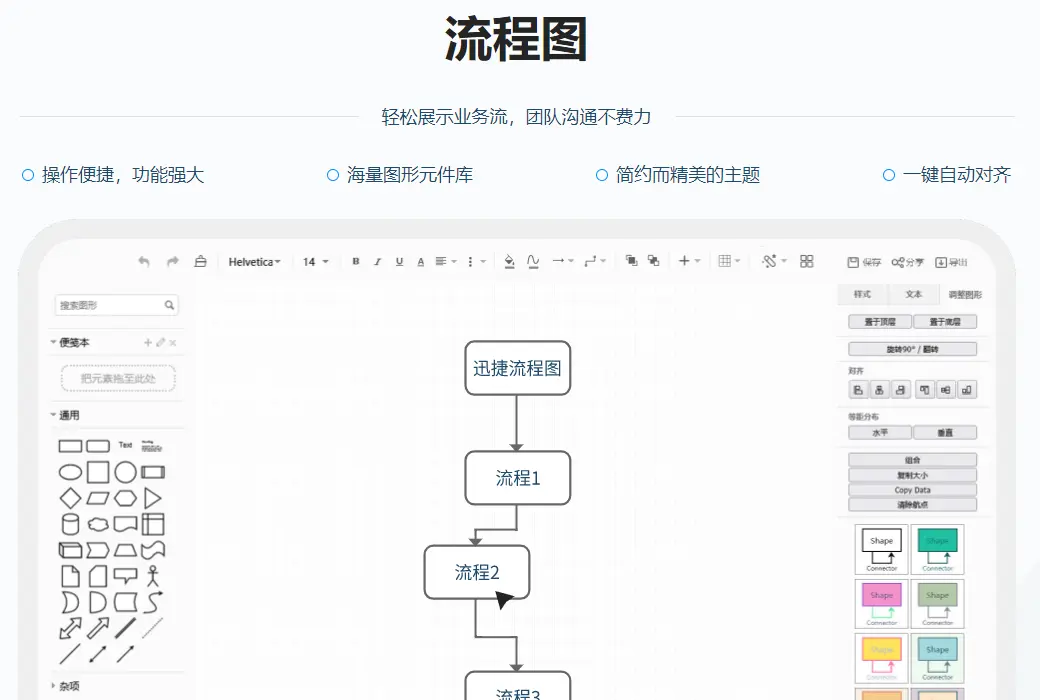
flow chart
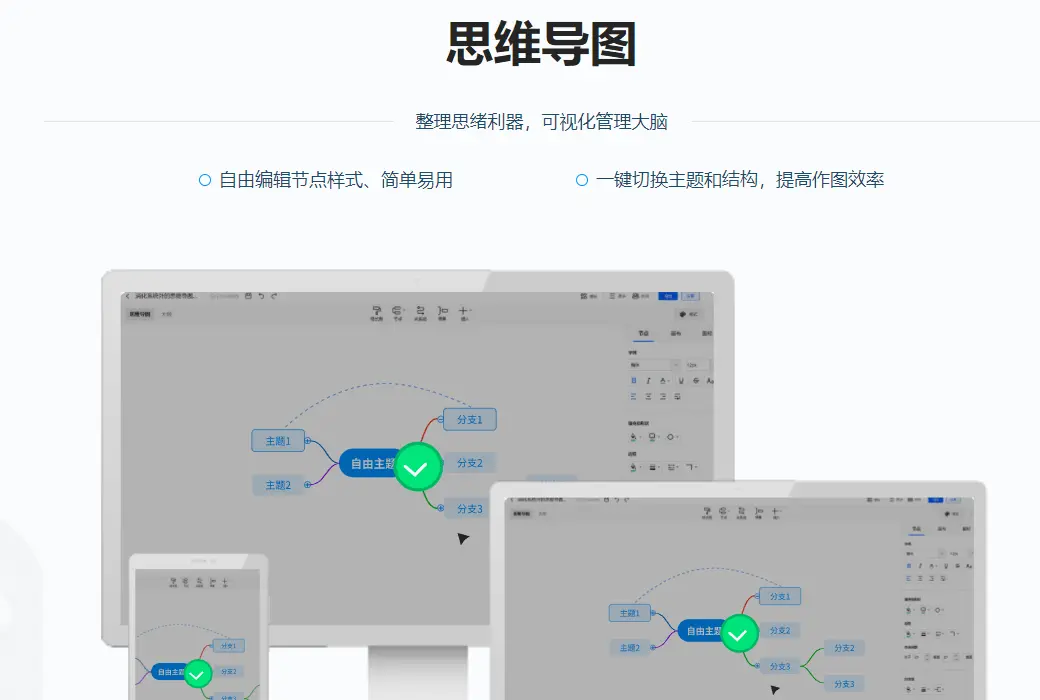
Mind map
Cloud storage files with you anytime
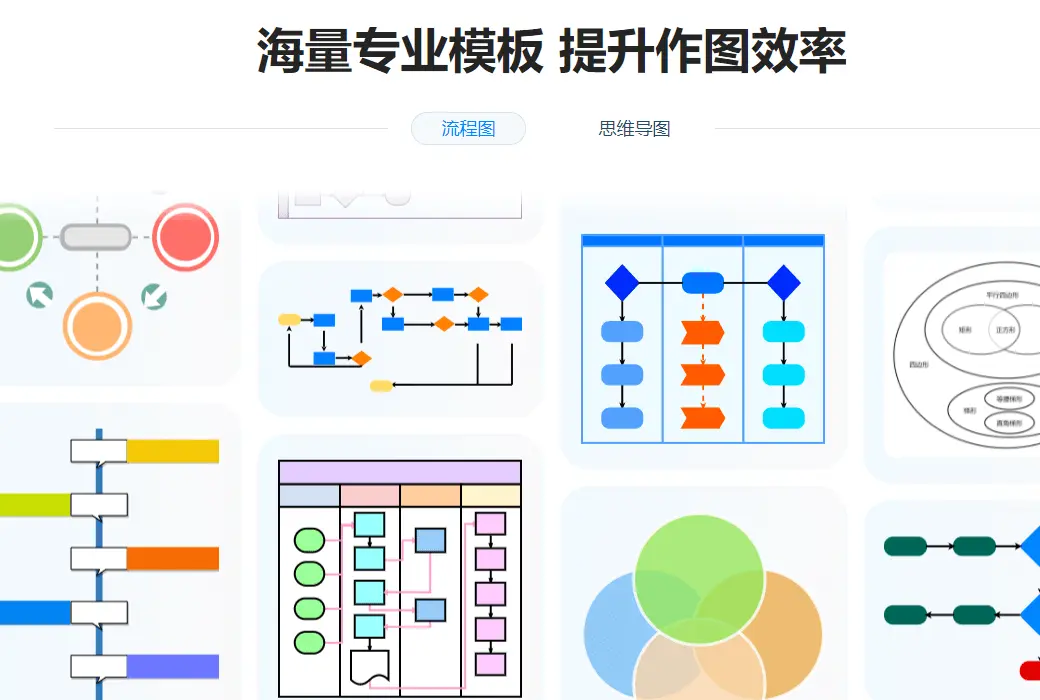
Massive templates, reasonable layout
More features
Tailored to comprehensively improve office efficiency
Simple drag and drop graphics, free layout, and associations
Add/Split Nodes, Quickly Record Inspiration
Automatically save every 30 seconds to prevent file loss
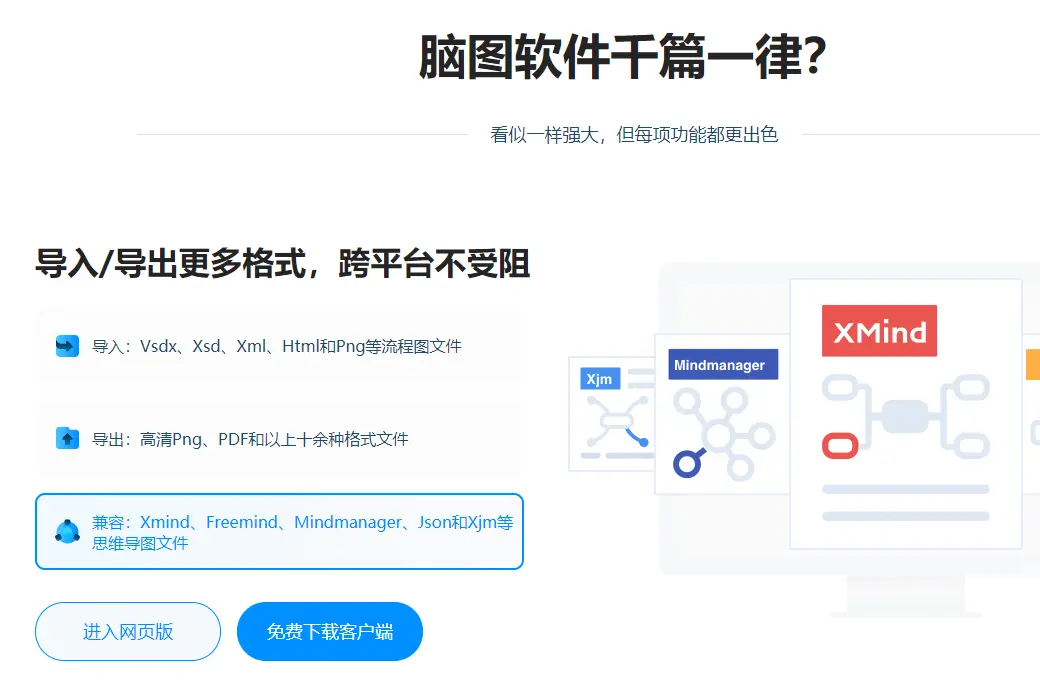
Can export images/files/HTML and other formats to the local environment
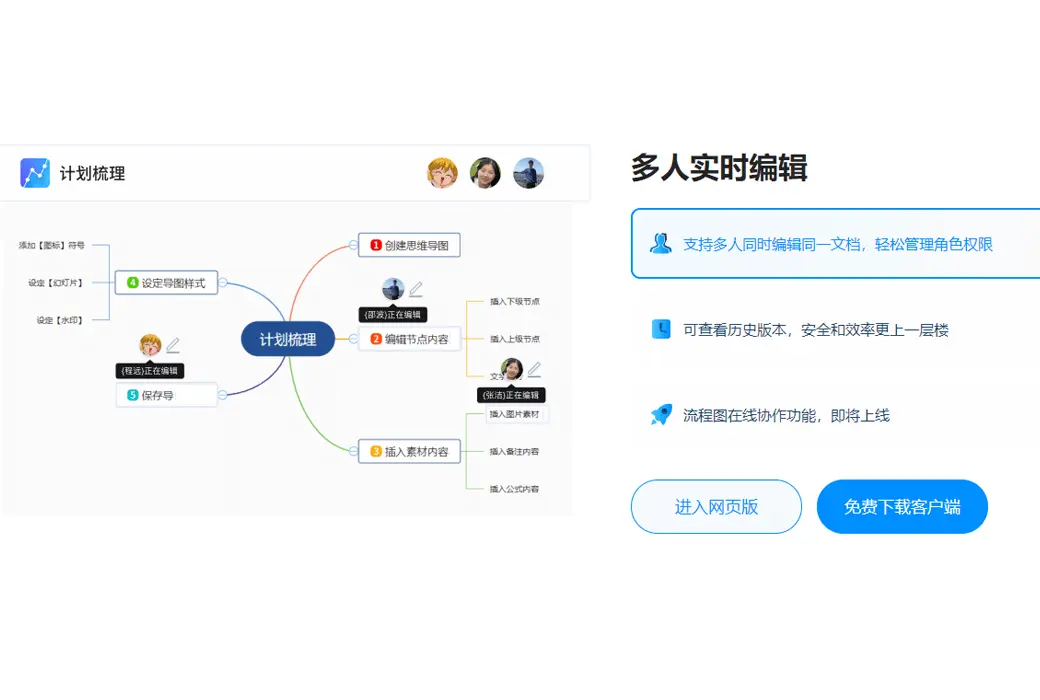
Can set sharing password/expiration date, one click sharing
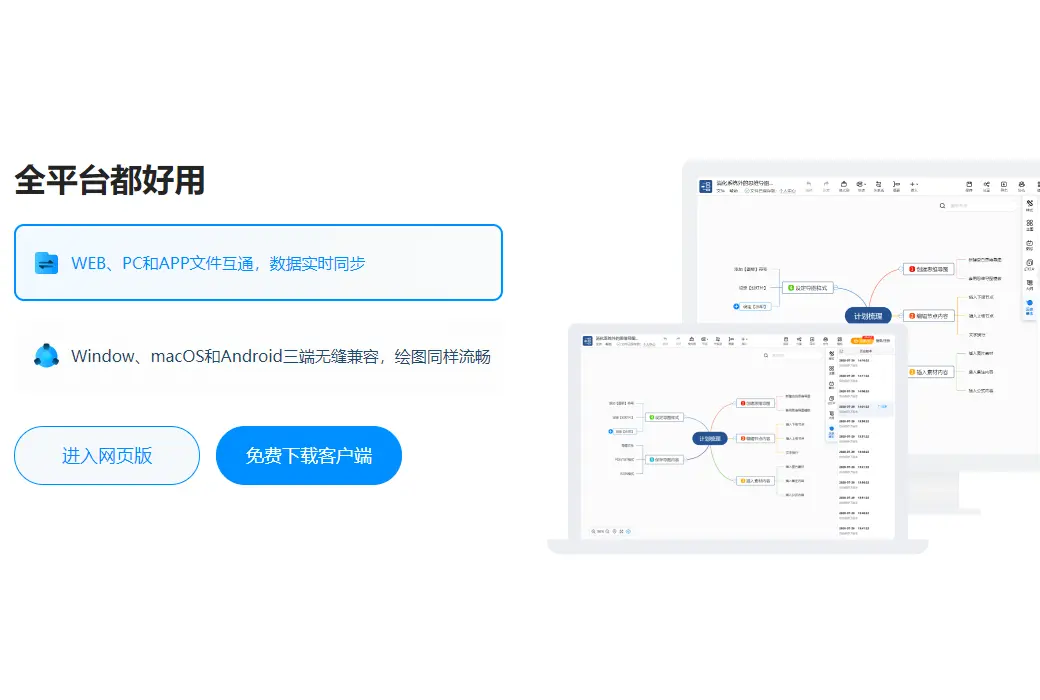
Online version/desktop client, universal account
Official website:https://www.liuchengtu.com/
Download Center:https://xunjie-huatu.apsgo.cn
Backup Download:N/A
Delivery time:24-hour automatic shipping
Operating platform:Windows、macOS
Interface language:Supports Chinese interface display, with multiple languages available.
Update instructions:Lifetime version: The software manufacturer promises to use it permanently and provide free updates.
Pre purchase trial:Free version with limited functionality before purchase.
How to receive the goods:After purchase, the activation information will be sent to the email address at the time of placing the order, and the corresponding product activation code can be viewed in the personal center, My Orders.
Number of devices:Unlimited installation of equipment.
Replacing the computer:Uninstall the original computer and activate the account by logging in to the new computer.
Activation guidance:https://www.xunjiepdf.com/vip/
Special instructions:The redemption code cannot be saved. You should activate the redemption as soon as possible after purchasing! If the membership benefits have not been credited after successful redemption, you can log out of the software and log in again using your phone number.
Reference materials:https://www.liuchengtu.com/cash

Any question

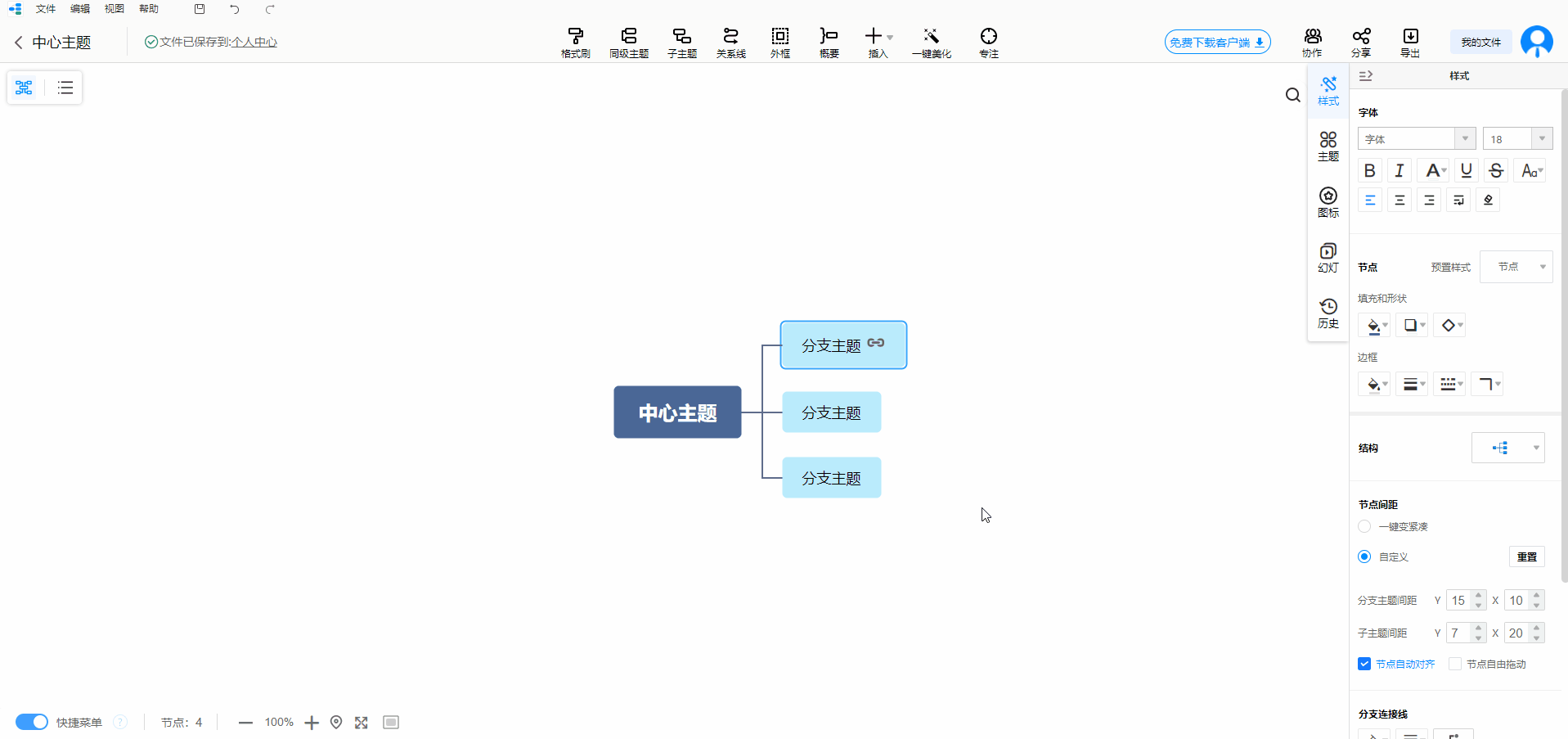
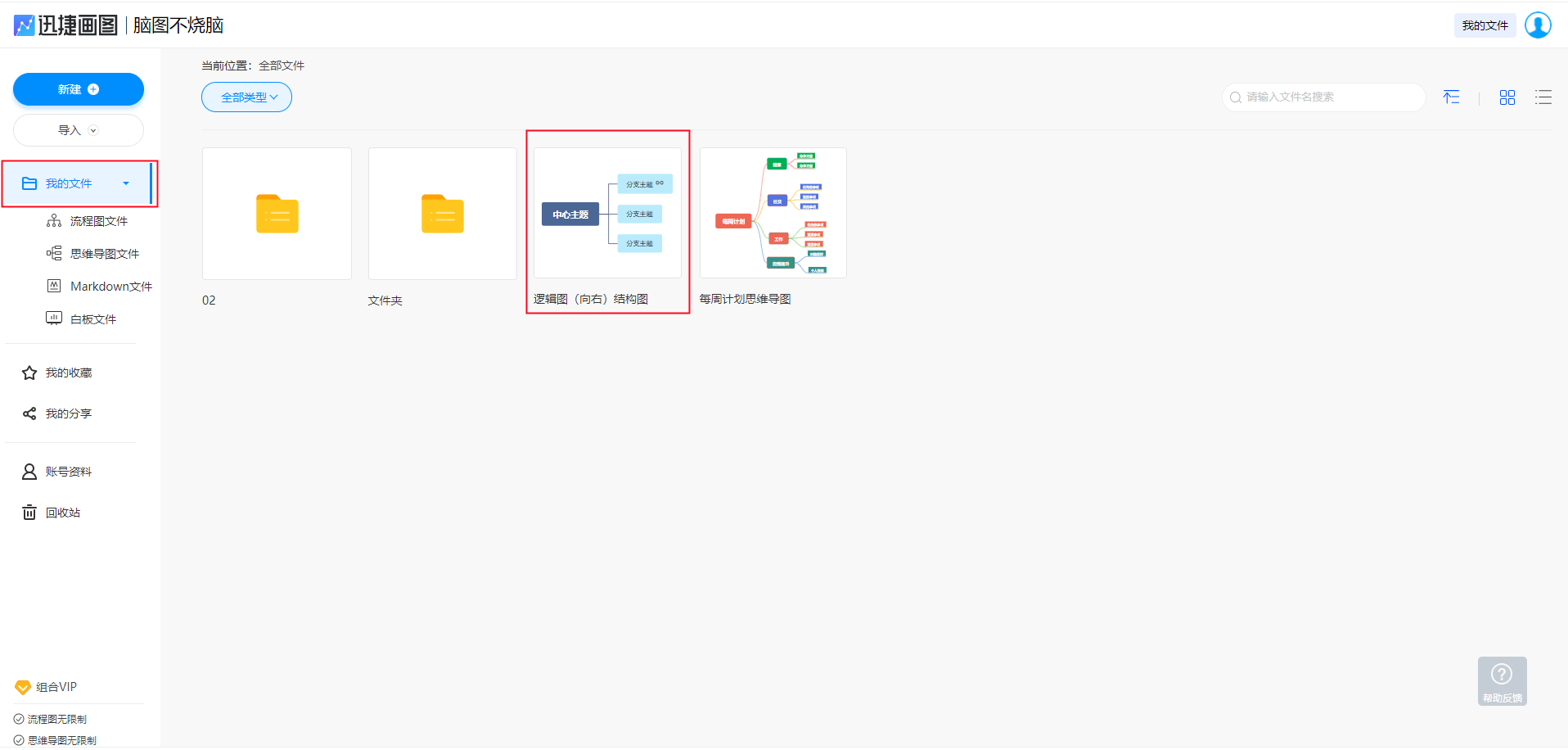
Change link: First, we need to open the mind map file in the personal center of Swift Drawing.
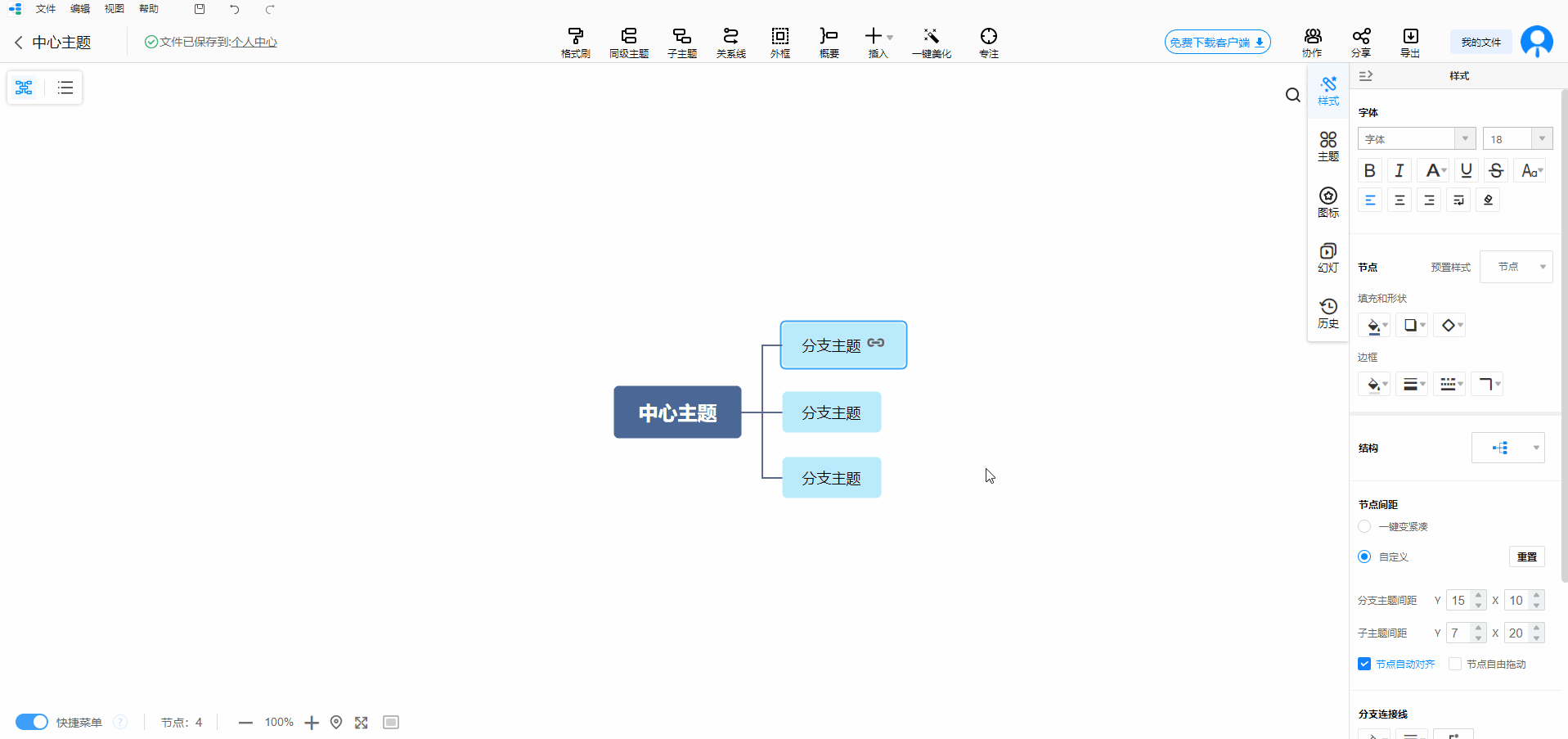
After opening the file, we locate the link that needs to be replaced, right-click on the link icon, and select 'Edit Link'. Immediately after, a pop-up window will pop up automatically, replacing the links in it. After clicking 'OK', a new link will appear.
Remove connection: Similarly, first open the mind map file that needs to be modified in the personal center of Swift Drawing.
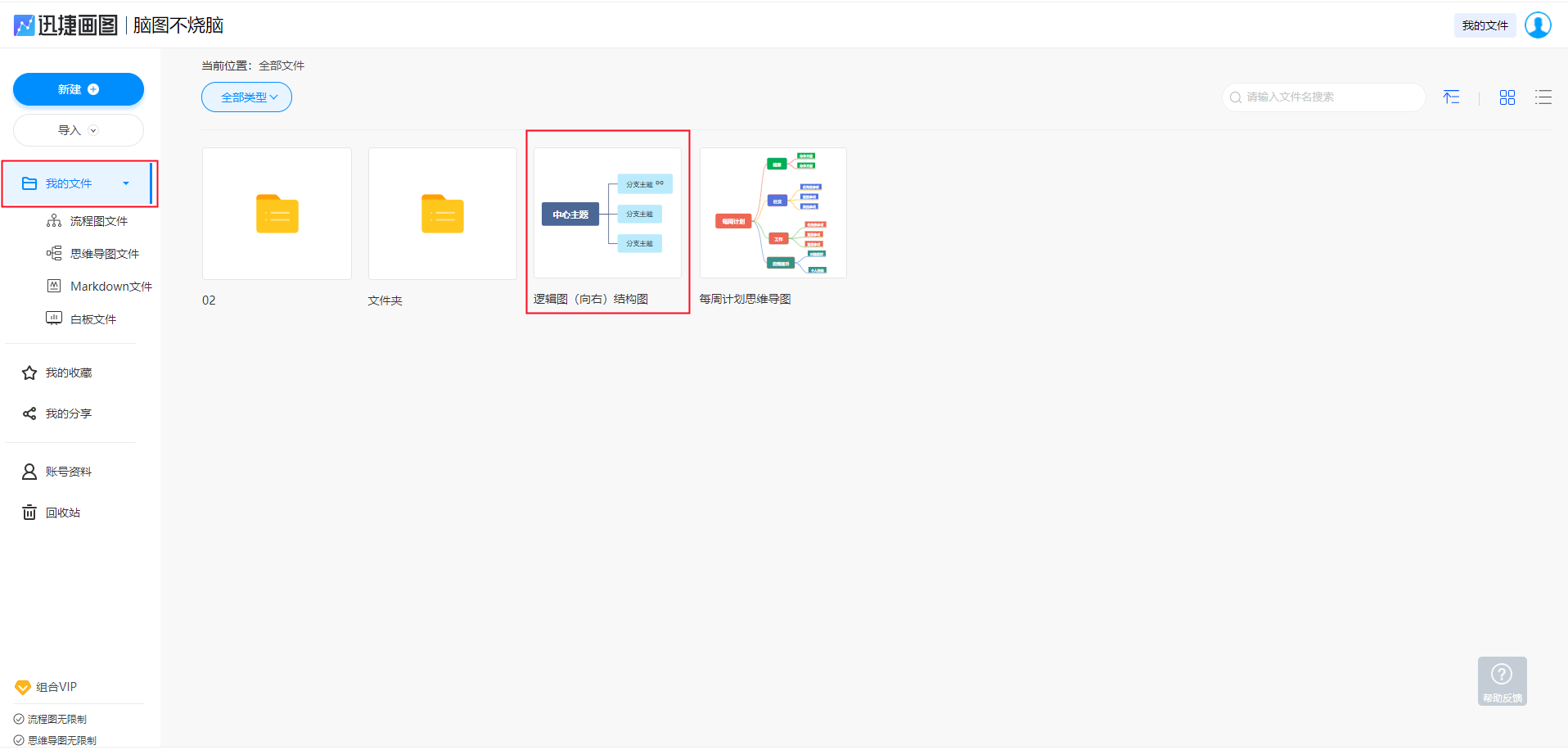
Find the link that needs to be deleted, right-click on the link icon and select 'Delete Link' to remove the link from the theme.